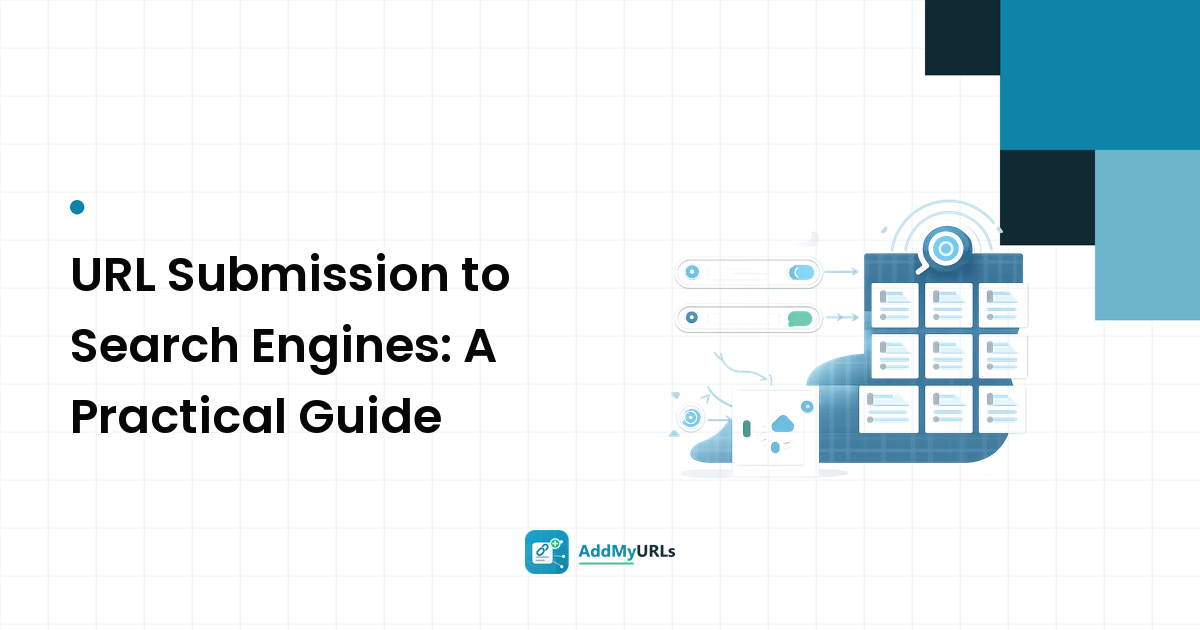
You published a page and it isn't showing up in search. The fix people reach for first is URL submission to search engines — telling Google, Bing, and the rest that your URL exists. That instinct is correct, but the execution is where most new site owners go wrong: they pay for a "submit to 5,000 engines" blast instead of doing the two free, five-minute steps that actually matter.
Here is the key takeaway up front: URL submission to search engines is real, free, and narrow. There are two engines worth submitting to directly, one file (your sitemap) that does most of the ongoing work, an optional instant-ping protocol, and a short list of listing surfaces that give crawlers extra paths to your site. Everything past that is either automation of these same steps or spam. This guide walks the whole thing in order and tells you honestly what each step does — and doesn't — do.
What URL submission actually does
Search engines discover pages three ways: by following links from pages they already know, by reading sitemap files you publish, and by accepting URLs you hand them directly through their own tools. Submission is that last channel, plus the sitemap. It is an invitation, not a command.
Keep three stages separate, because every honest expectation flows from them:
- Submitted — you told a search engine the URL exists. That's all.
- Indexed — the engine crawled the page, evaluated its quality, and added it to its database. New sites often wait here for days or weeks.
- Ranked — the page appears somewhere useful for a real query. This depends on the page and its competition, not on how you submitted it.
Anyone promising to carry you from stage one to stage three with a submission service is selling something that doesn't exist. What submission genuinely does is remove discovery as the bottleneck, so the only things left between you and the index are crawl scheduling and page quality — both of which you can work on.
How to submit a URL to Google (free)
Google accepts submissions only through Google Search Console, which is free and also the best diagnostic tool you will own. There is no paid fast lane and no third party with a better door into Google than this one.
- Add your site as a property. The "Domain" property type covers every subdomain and protocol; it verifies with a DNS record you add at your registrar in a minute.
- Submit your sitemap. Open Sitemaps in the left menu and enter your sitemap URL (usually
yourdomain.com/sitemap.xml). This is the important move — it hands Google your entire page list at once and keeps feeding it new pages as you publish. - Request indexing on your key URLs. For your handful of most important pages — homepage, main service or product pages — use URL Inspection, paste the URL, and click Request Indexing. There's a small daily quota, so spend it on pages that matter.
That is the entire Google submission surface. Re-submitting the same URL daily does nothing; the request was heard the first time.
How to submit a URL to Bing (and the engines it feeds)
Bing Webmaster Tools is the second stop, and more generous than most people expect. You can import your verified site straight from Search Console in a couple of clicks, submit the same sitemap, and use its URL Submission feature, which accepts far more URLs per day than Google's inspection tool.
Bing matters more than its market share suggests: its index feeds Yahoo, DuckDuckGo, and several AI assistants and chat-search experiences that license Bing results. One submission covers all of them. Bing also co-created IndexNow, covered below.
Sitemaps and IndexNow: submission that keeps working
Two mechanisms turn a one-time submission into a standing arrangement:
- The XML sitemap is a machine-readable list of every URL you want indexed. Most platforms (WordPress, Shopify, Wix, static-site generators) build one automatically. Submit it once in each engine and it works forever, feeding future pages on its own. Keep it clean: only canonical, indexable, 200-status URLs belong in it — a sitemap full of redirects and noindexed pages teaches crawlers to trust it less.
- IndexNow is an open protocol where your site pings participating engines (Bing, Yandex, and others) the instant a URL is published or changed. Many platforms and CDNs turn it on with a toggle. Google doesn't use IndexNow; for Google, the sitemap plays that role. That split is normal, not a problem to fix.
Between a submitted sitemap and IndexNow, most of your future URL submission to search engines happens automatically the moment you hit publish.
Best search engines to submit to (2026 reality)
You do not need a long list. In most markets, meaningful search traffic comes from two ecosystems:
- Google — the largest by a wide margin; submit via Search Console.
- The Bing ecosystem — Bing plus everything it feeds (Yahoo, DuckDuckGo, and AI/chat search that licenses its index); submit via Bing Webmaster Tools.
Regionally, a few others matter: Yandex in Russian-speaking markets, Baidu in China, Naver in South Korea, Seznam in the Czech Republic. Submit to those only if your audience is actually there — otherwise you are spending effort on doors your visitors never use. This is exactly why "submit to thousands of search engines" services are worthless: that list is padded with dead portals and scraper sites, and real traffic concentrates in the handful above.
URL submission free vs. paid: what to skip
Every legitimate step in this guide is free. Google Search Console, Bing Webmaster Tools, your sitemap, and IndexNow cost nothing, so treat "pay to submit your URL" offers with suspicion. Two categories are actively worth avoiding:
- Mass submission blasts ("1,000 search engines for $5"). At best your URL lands on pages no engine crawls; at worst it builds a spam footprint around a brand-new domain — the opposite of a good first impression.
- Guaranteed-indexing services. Indexing is a search engine's own quality verdict; nobody can promise to overrule it. "100% indexed in 24 hours" is a promise about someone else's system that the seller doesn't control.
Paying for URL submission buys you nothing you couldn't do free in an afternoon — and sometimes buys you a problem.
Best web directories and backlinks: the discovery boost
Direct submission tells engines you exist; links from pages they already crawl are how the wider discovery graph fills in. For a new domain with no inbound links, this is often the real bottleneck. The white-hat version of "list your site everywhere" is a short, deliberate set:
- Best web directories are the moderated ones. A reviewed, categorized listing is a real page and a real backlink — a legitimate, modest discovery signal plus genuine referral traffic from people browsing the category. The filter is quality: human review, pruned dead links, and category pages that are themselves indexed. A directory that auto-approves anything is a link farm; skip it.
- The best backlinks for SEO early on are the boring, earned ones: your social and business profiles, industry registries (chambers of commerce, professional associations, app or package registries), and a few moderated directory listings. They are trivially easy and collectively meaningful — often the first external paths a crawler follows to a new domain. Bought dofollow links and PBNs are neither the best nor safe; they are the footprint engines are built to catch.
For the full pre-submission checklist and how these listings fit the bigger picture, see our step-by-step website submission guide.
A quick word on "dark web directory 2026" searches
People searching around directories sometimes land on "dark web directory" results. Those are .onion indexes reachable only through Tor — an entirely separate network from the public web. They have nothing to do with getting your normal website found: Google, Bing, and every mainstream engine index the open web, so a public, crawlable site and the submission steps above are what put you in front of searchers. Listing a normal business on a dark-web index does nothing for your search visibility and isn't part of any legitimate SEO plan.
Verify it worked, then stop fiddling
A week or two after submitting:
- In Search Console, open Pages (the indexing report) — it shows exactly which URLs are indexed and gives a stated reason for every one that isn't.
- Search
site:yourdomain.comon Google and Bing for a rough confirmation the site is present at all. - Check analytics for the first referral visits from directory listings and profiles — that's the human side of discovery working.
If important pages stay unindexed for weeks, the diagnosis lives in the indexing report, not in submitting harder. Re-submission has no cumulative effect.
FAQ
Is URL submission to search engines free?
Yes, entirely. Google Search Console, Bing Webmaster Tools, your XML sitemap, and IndexNow all cost nothing. Any service charging to "submit your URL" is selling you steps you can do yourself in an afternoon — and the mass-blast versions can hurt a new domain rather than help it.
How long after submitting will my URL appear in Google?
It varies too much for a fixed promise: sometimes days, commonly a few weeks for a brand-new domain with no inbound links. Submission removes the discovery delay; the remaining wait is Google's crawl scheduling and quality evaluation. Anyone quoting a guaranteed timeframe is guessing.
Do I have to submit every page individually?
No. Submit the sitemap once and it covers every page, including future ones. Reserve individual URL submission (Search Console's Request Indexing, Bing's URL Submission) for your most important pages or urgent updates — it's a priority hint, not a requirement.
Which search engines should I actually submit to?
For most sites, Google and Bing cover the field, because Bing's index also feeds Yahoo, DuckDuckGo, and AI search. Add Yandex, Baidu, Naver, or Seznam only if your audience is in those regions. Skip the thousand-engine lists entirely.
Submit once, see what actually happened
If you'd rather run this playbook from one place, that's exactly what AddMyURLs is for: submit your URL to the directory and an approved listing gives you a public directory page and a real backlink, while the toolkit fires the follow-through signals — sitemap and URL pings to search engines plus social-share distribution — and reports back what happened, so you can see what signals fired for your submission instead of wondering. The free tier covers the listing and basic signals; no spam blasts, no guarantees, just the legitimate submission checklist executed for you.