Publishing a page and then waiting — refreshing a site search, wondering whether anything noticed — is one of the more demoralising parts of running a small site. IndexNow is the piece of plumbing that removes the waiting from at least part of that equation: instead of hoping a crawler comes back, you send a message the moment something changes.
The takeaway up front: IndexNow is a free, open notification protocol. You generate a key, host a small text file at your site root that proves you own the domain, and then ping a URL each time a page is added, updated, or removed. Setup takes about fifteen minutes by hand, or one toggle if your CMS or CDN supports it. What it does is tell participating engines to come and look sooner. What it does not do is decide whether anything gets indexed — that judgement still happens after the crawl, on the merits of the page. Keeping those two things separate is the whole discipline.
What IndexNow is and where it came from
IndexNow is an open protocol introduced by Microsoft Bing and Yandex in late 2021 and since adopted by several other search engines, including Seznam and Naver. Rather than every engine crawling every site speculatively to discover changes, the site tells the engines when something changed.
Its most useful property is that submitting to one participating engine shares the notification with all of them. You do not need separate integrations per search engine; one ping propagates.
The honest limitation, and the first thing to say plainly: Google is not a participant. For Google, the routes remain the ones covered in our guide to URL submission to search engines — a clean, discoverable site, a submitted sitemap, and Search Console's URL Inspection tool for one-offs. Treat IndexNow as covering the non-Google engines, which for many sites is a meaningful slice of traffic and is entirely free to switch on.
Before you start: the mechanism it fits into
It helps to know exactly which stage this touches. A URL travels through three stages, and they are not the same thing:
- Discovery — the engine learns the URL exists (via a link, a sitemap, or a notification like IndexNow).
- Crawling — a bot actually fetches it.
- Indexing — the engine decides the page is worth storing and serving.
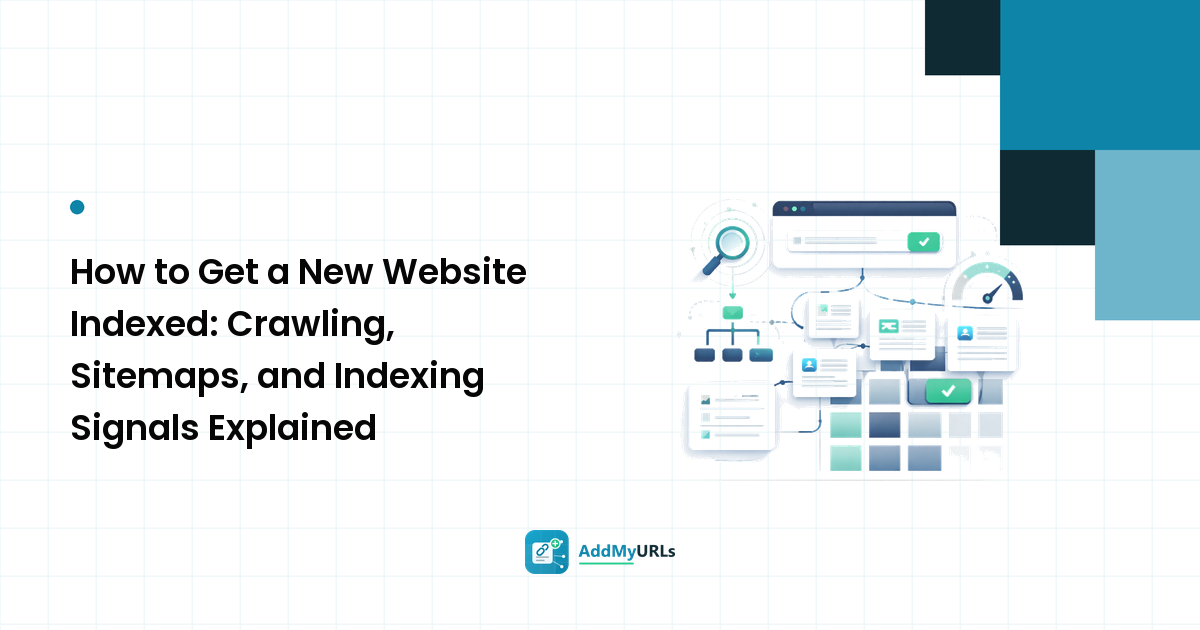
IndexNow accelerates stage one and can bring stage two forward. It has no influence whatsoever on stage three. A thin, duplicate, or noindexed page that you ping enthusiastically will still not be indexed — and the full picture of why pages stall is in our getting-indexed guide.
Step 1: Generate a key
The key is a string you invent. The specification requires it to be between 8 and 128 characters, using only letters a–z and A–Z, digits 0–9, and dashes.
A UUID with the dashes stripped, or any random hex string of 32 characters, is a perfectly good key. Generate it once and keep it — you don't need a new key per submission, and rotating it means re-hosting the file.
Do not treat the key as a secret in the security sense; it's a proof-of-control token, not a password. It will be publicly readable at your site root by design.
Step 2: Host the key file
Create a plain UTF-8 text file whose name is your key with a .txt extension and whose only content is the key itself — no heading, no whitespace beyond a possible trailing newline, nothing else.
Upload it to your site root so it resolves at:
https://example.com/a1b2c3d4e5f6a7b8c9d0e1f2a3b4c5d6.txt
Then load that URL in a browser and confirm you see the key, not a 404 page or your site's custom error template. This is the most common setup failure by a wide margin: sites that serve a friendly 404 page with a 200 status code will appear to be hosting the key file when they aren't.
If you cannot write to the root — some hosted platforms won't let you — the protocol allows the file to live elsewhere, in which case you must pass its full URL in the keyLocation field of your submission.
Step 3: Send a submission
There are two shapes: one URL at a time, or a batch.
Single URL (GET). Call the endpoint with the URL and the key as query parameters, URL-encoding the target:
https://api.indexnow.org/indexnow?url=https%3A%2F%2Fexample.com%2Fnew-page&key=a1b2c3d4e5f6a7b8c9d0e1f2a3b4c5d6
Participating engines also expose their own endpoints (Bing's and Yandex's /indexnow paths, for example) — any of them accepts the submission and shares it onward, so use whichever you prefer.
Batch (POST). For multiple URLs, send a JSON body with Content-Type: application/json; charset=utf-8:
{
  "host": "example.com",
  "key": "a1b2c3d4e5f6a7b8c9d0e1f2a3b4c5d6",
  "keyLocation": "https://example.com/a1b2c3d4e5f6a7b8c9d0e1f2a3b4c5d6.txt",
  "urlList": [
    "https://example.com/product/blue-widget",
    "https://example.com/product/red-widget",
    "https://example.com/blog/widget-sizing"
  ]
}
Two constraints matter here. Every URL in urlList must belong to the host you declared — you cannot submit URLs for a domain you haven't proven control of. And a single request accepts up to 10,000 URLs, which is far more than most sites will ever need in one go.
Step 4: Read the response
The status code tells you exactly what went wrong, which makes debugging quick:
| Code | Meaning | What to do |
|---|---|---|
| 200 | Accepted | Nothing — the notification landed |
| 202 | Accepted, key validation pending | Usually fine; confirm the key file loads |
| 400 | Bad request | Check the URL encoding and the JSON shape |
| 403 | Forbidden — key not valid | The key file is missing, misnamed, or its contents don't match |
| 422 | Unprocessable | URLs don't match the declared host, or the key doesn't meet the format rules |
| 429 | Too many requests | You're pinging too often; slow down and batch |
That last one deserves emphasis, because it points at the main way people misuse this.
Step 5: Automate it — and ping only on real changes
Manual pinging is fine for a handful of pages, but the protocol is designed to be wired into your publishing flow so it fires on the event itself.
- CMS plugins. On WordPress, Microsoft's official IndexNow plugin and several major SEO plugins (Rank Math among them) handle key generation, key-file hosting, and automatic pings on publish and update. This is a one-time setup and then you stop thinking about it.
- CDN integration. Cloudflare offers an IndexNow integration you can enable from the dashboard, which submits changed URLs on your behalf without touching your site code.
- Custom sites. Fire a POST from your publish hook, your deploy pipeline, or a small queue that batches the day's changes.
The one rule that governs all of this: ping when content genuinely changed. Added a page, materially updated one, or deleted one — yes, including deletions, since telling engines a URL is gone is useful. Do not ping every URL on the site nightly, do not re-ping the same URL repeatedly hoping for a different outcome, and do not fire on trivial edits like a typo fix. Excessive submission is what produces 429s, and the protocol exists on a basis of good faith that engines are free to withdraw.
What to check after a week
Set the expectation correctly before you look. Reasonable things to observe:
- Crawl activity in your server logs from the participating engines' bots on the URLs you submitted, sooner than your usual baseline.
- Index coverage in Bing Webmaster Tools, which is free and the most direct place to see the effect.
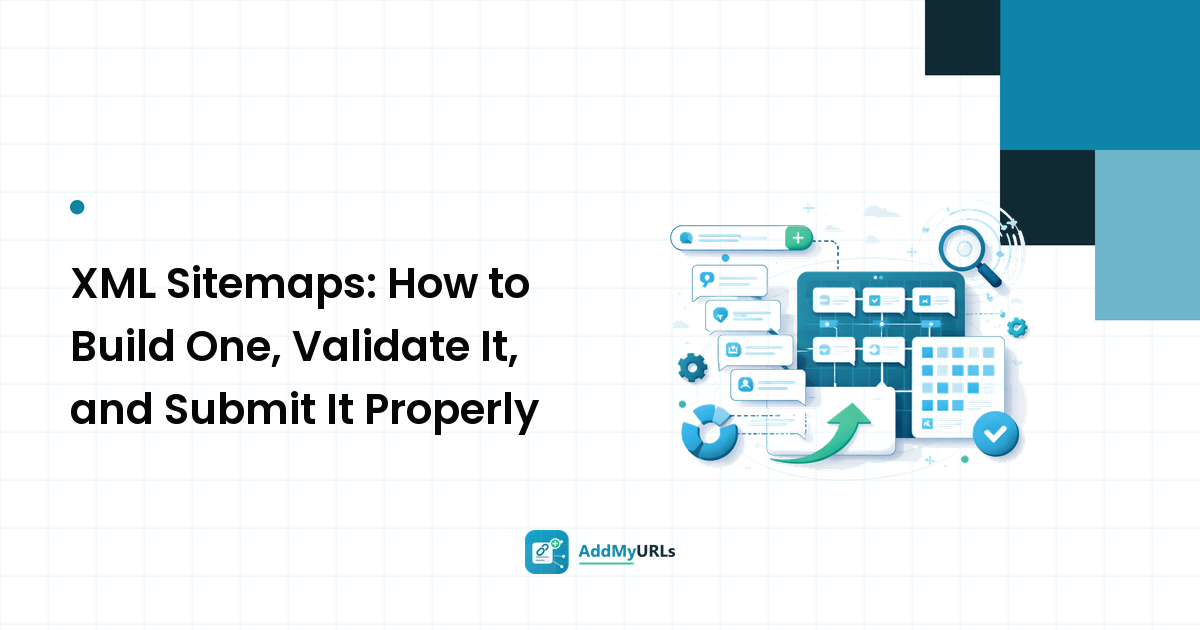
- No change in Google — expected, because Google isn't participating. If Google indexing is your bottleneck, the fix is elsewhere: a valid, submitted sitemap (see our XML sitemap guide), internal links pointing at the new page, and a page worth indexing.
Timelines vary by site, by engine, and by how much crawl attention your domain already gets. Anyone who quotes you a fixed number of hours is guessing.
FAQ
Does Google use IndexNow? No. Google has its own discovery and submission routes and is not among the participating engines. IndexNow is still worth enabling because it's free and covers the other engines, but don't set it up expecting Google results.
Is IndexNow free? Yes. There's no account, no fee, and no rate card — just the key file and the endpoint. The plugins and CDN integrations that automate it are generally free too.
Do I still need a sitemap if I use IndexNow? Yes. They solve different problems: a sitemap is a standing inventory of everything on your site that any crawler can read at any time, while IndexNow is an event notification about a specific change. Google in particular relies on the sitemap. Keep both.
Will IndexNow get my page indexed? It will get the URL known and, often, crawled sooner. Whether the page is then indexed is a separate judgement based on the page itself — whether it's original, useful, crawlable, and not blocked or canonicalised elsewhere. Submitted, crawled, and indexed are three different states and it's worth keeping them apart in your own head.
Can I use one key across several domains? The key file has to be hosted on each domain you submit for, and each submission declares its own host. Reusing the same key string across your domains is allowed as long as the file is present on each one — but generating one per site keeps things easier to reason about.
Next step
Give it fifteen minutes: generate a key, drop the text file at your root, load it in a browser to confirm it serves, and send a single GET for your newest page. If you get a 200 or 202 back, you're done — then go and install the plugin or CDN toggle so you never have to do it manually again.
And when a new page needs more than a crawl notification — a real listing page and a real backlink pointing at it — submit your URL to the directory and see what signals fired for your submission, so discovery isn't resting on a single ping.