If your links live in twelve places — browser bookmarks, notes apps, chat messages to yourself, a dozen open tabs — you don't have a link collection, you have link chaos. The cost is real: time lost re-finding things, dead links you never noticed, and the same URL saved five times. This guide lays out a simple system to organize, label, share, and maintain your links so they actually work for you.
The short version: give your links one home, add a light tagging system, share them cleanly, and prune the dead ones on a schedule. You don't need a complex tool — you need a consistent habit.
Why link management matters
Links are how we save what's useful: research, tools, references, things to read, things to share. But a saved link you can't find is worthless, and a broken one you share looks careless. Good link management turns a pile of URLs into a usable, shareable asset — for your own work and for the people you share with.
Step 1: Give your links one home
The single biggest improvement is consolidation. Pick one primary place for links worth keeping and route everything there. The best home is the one you'll actually open:
- Browser bookmarks — fine for a small, personal set; weak at sharing and tagging.
- A notes/knowledge app — good when links live alongside context and notes.
- A dedicated link manager — best for large collections, tagging, and sharing.
Choose based on volume and whether you need to share. The rule that matters: stop scattering. One home.
Step 2: Label so you can find it later
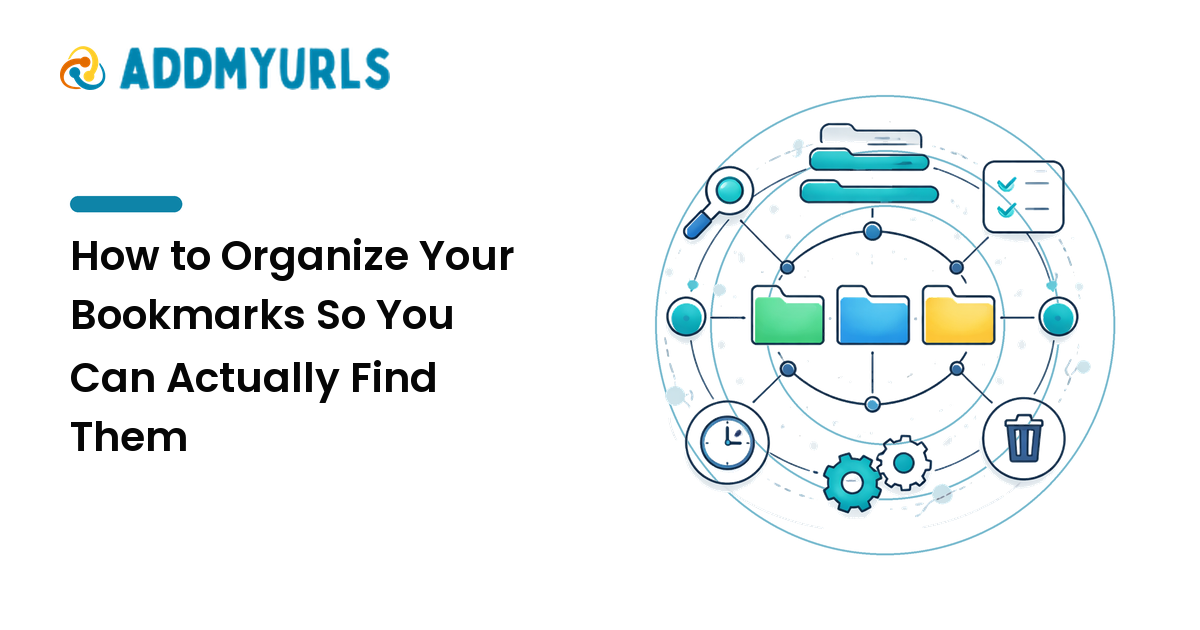
A link you can't find is lost. Add just enough structure to retrieve things:
- Tags over deep folders. A few consistent tags (
tool,read-later,client-x) beat a deep folder tree you won't maintain. - Rename cryptic titles. "Untitled — example.com" helps no one; give it a human title.
- One line of context. A short note ("pricing page, compare later") saves future-you minutes.
Keep the system light. The best taxonomy is the one you'll keep using.
Step 3: Share links cleanly
How you share affects whether links get clicked and whether you look organized:
- Shorten long, ugly URLs so they're clickable and tidy — especially in bios, slides, and messages.
- Use a link-in-bio page when you need to share many links from one spot (social profiles, especially).
- Add tracking only when you'll use it. UTM tags help if you actually check the data; otherwise they just clutter.
Whatever you share, check it opens correctly before you send it.
Step 4: Maintain — prune dead links
Link collections rot. Pages move, sites die, and a third of old bookmarks eventually break. Once in a while:
- Remove duplicates and links you'll never revisit.
- Check and replace or delete dead links.
- Re-tag anything you couldn't find last time you looked.
A 15-minute cleanup every month or two keeps the collection trustworthy.
A simple link system
- One home — pick the place you'll actually open.
- Tag lightly — a handful of consistent tags, human titles, one-line notes.
- Share cleanly — shorten ugly URLs, use a link-in-bio for many links.
- Prune — a short cleanup every month or two.
FAQ
What's the best tool to manage links?
The one that fits your volume and sharing needs and that you'll open consistently. Small personal set: bookmarks. Large or shared set: a dedicated link manager. Consistency beats features.
Should I use folders or tags?
Tags, mostly. A few flexible tags are easier to maintain and search than a deep folder tree, and a link can carry several tags at once.
How do I share a lot of links at once?
Use a link-in-bio style page that holds many links behind one short URL — ideal for social profiles, talks, and newsletters.
How often should I clean up my links?
A short prune every month or two is enough to catch duplicates and dead links before they pile up.
Next step
This week, pick one home for your links, move your scattered ones into it, add a few simple tags, and delete anything dead. A small, consistent system beats a perfect one you abandon.