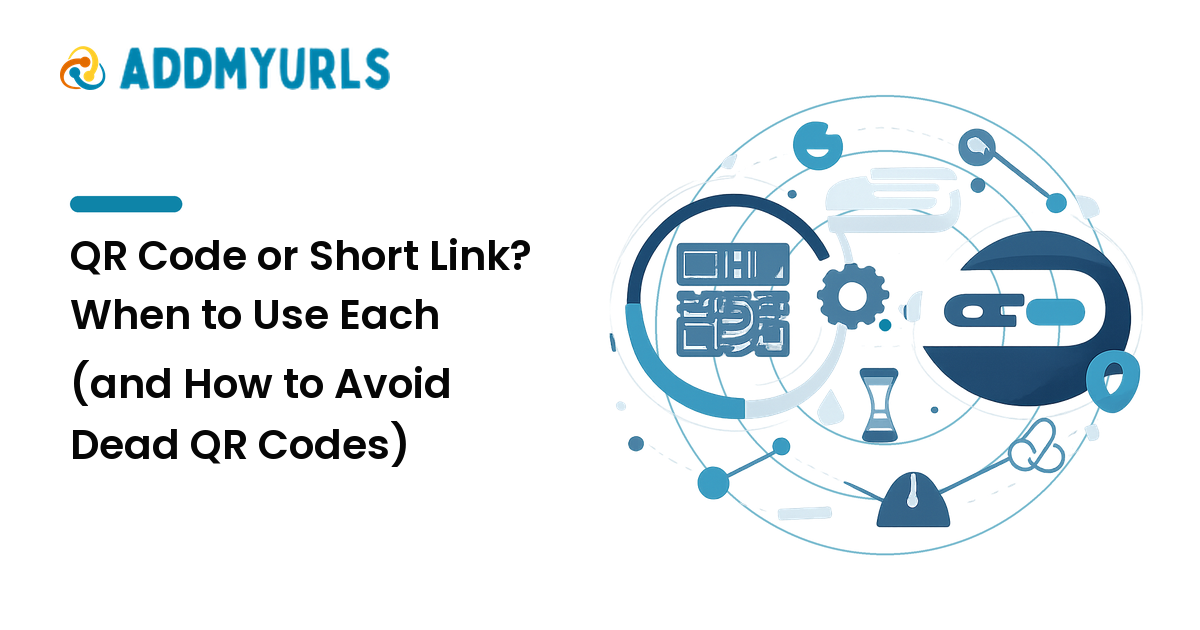
A QR code and a short link look like rivals — two ways to get someone to a URL without typing it. They're not. A short link is for places people can click or tap; a QR code is for places they can only point a camera at. So the real question isn't "which is better?" — it's "which surface am I sharing on, and will the destination ever need to change?"
The takeaway up front: use a short link for digital surfaces and a QR code for physical ones — and whenever a QR code goes on something you can't easily reprint, make it a dynamic code pointed at a link you control, never a static one. That single distinction is the difference between a code you can fix in seconds and a dead square of dots stamped on 10,000 flyers.
When to use each
A short link is a tidy URL that redirects to a longer destination. Reach for it whenever the link lives somewhere interactive — social posts and bios, messages and email, slides and video captions, anywhere people can click or tap, and anywhere you want a click count. Its strength is that it's text: copyable, trackable, and clean. Its weakness is that it does nothing for a printed page, where there's nothing to click. A QR code on a webpage is the same mistake in reverse — there's already a tappable link right there.
A QR code is a scannable image that encodes a URL (often a short link). Reach for it when the link has to cross from physical to digital — posters, packaging, labels, menus, business cards, and screens people can't touch, like a slide at the back of a room or a billboard. Its strength is reaching the camera-only world. Its weaknesses are real: it needs decent size and contrast to scan, it's useless where a link would already be clickable, and — most importantly — how you generate it decides whether you can ever change where it points. That last one is where people get burned.
The trap: static vs dynamic QR codes
This is the single most expensive misunderstanding about QR codes, and almost nobody is warned about it before they print.
A static QR code encodes the destination URL directly into the pattern of the dots. The URL is baked into the image, with one fatal consequence: you can never change where it goes. To point it somewhere new you'd generate a brand-new code and replace every printed copy. It's free to make, but impossible to edit and can't track scans.
A dynamic QR code encodes a short link — a redirect — instead of the final destination. The dots point at a stable URL that forwards to wherever you currently want, so you can change the destination anytime without touching the printed code. Same physical square, new target, and you can usually track scans too. That makes dynamic the right default for anything printed at volume or meant to last.
So the decision rule writes itself: if the destination might ever change — or you're not certain it won't — never use a static code. A static QR on a printed run is a one-way door. The moment that page moves or the campaign ends, every code is dead and your only fix is a reprint.
Why "dead QR codes" happen — and how to prevent them
People assume a QR code is permanent because it's printed. It isn't — it's exactly as alive as the link it points to. There are three ways one dies, all preventable.
1. The destination moved (a static-code death). A static code is glued to one URL, so when that page 404s or the site restructures, the code leads nowhere and you can't repoint it. Prevention: use a dynamic code so you can edit the target the instant the destination changes.
2. The redirect service died (a dynamic-code death). A dynamic code is only as reliable as the service running its redirect. If that shortener or QR provider shuts down, sunsets a free tier, or lets the domain lapse, every dynamic code through it breaks at once — now stamped permanently onto physical objects you can't recall. This is the deeper version of the link rot problem: a QR code is a dependency on a redirect, and the day that redirect disappears, the code is a dead square. Prevention: point dynamic codes at a short link on a domain you control and keep a master list of every code and its destination, so even if you switch backends the code keeps working.
3. The code was unscannable to begin with. Printed too small, too low-contrast, or jammed against a busy background, a code can be "alive" yet impossible to scan. Prevention: scan-test the actual printed code with a real phone, at the real size and distance, before the run.
The thread through all three: a QR code on anything you can't reprint should be dynamic, on a domain you control, with its destination recorded — so a failure is a quick repoint, not a recall.
A simple way to decide
Run the choice through two questions, in order:
- Where will people encounter it? Somewhere clickable → short link. Somewhere they can only point a camera → QR code.
- If it's a QR code, will the destination ever change — or do you want scan stats? Yes, or even maybe → dynamic code on a short link you control. Genuinely never, and no stats → a static code is acceptable, but treat that "never" with suspicion.
For most real campaigns the answer is both at once: a clean short link in the digital channels, and a dynamic QR code encoding a link you own on anything physical.
FAQ
What's the difference between a QR code and a short link?
A short link is clickable text for digital surfaces, where people tap to follow it. A QR code is a scannable image for physical surfaces, where there's nothing to click and people use a camera instead. They often work together: the QR code encodes the same short link you share digitally.
Do QR codes expire?
The image itself doesn't expire, but what it points to can stop working. A static code dies when its baked-in destination moves, with no way to fix it. A dynamic code dies if the redirect behind it shuts down or lets its domain lapse. The code is only as alive as the link it points to — which is why a dynamic code on a domain you control is safer.
Can you edit where a QR code points after printing it?
Only if it's a dynamic code. A dynamic QR encodes a redirect, so you can change the final destination anytime without reprinting. A static QR has the destination welded into its dots, so the only way to "edit" it is to make a new code and replace every copy. If there's any chance the destination changes, use dynamic.
Should I use a QR code on my website?
Generally no. A webpage already has clickable links, so a QR code there just asks people to scan a screen they're already looking at. Save QR codes for places without a tappable link — print, packaging, and distant screens.
Static or dynamic QR code — which should I use?
Dynamic, for almost anything that matters: they're editable, scan-trackable, and reprint-proof because they point at a redirect rather than a fixed URL. A static code is only sensible when the destination will truly never change and you don't need stats — and "never" has a way of becoming "actually, now it has to."
Next step
Choose by surface, then by permanence. Clickable place? A short link. Camera-only place? A QR code — made dynamic and pointed at a link you control, so you can repoint it without reprinting a thing. The codes that go dead are the ones welded to a single URL or riding on a service someone else can switch off; keep the destination editable and the redirect yours, and your links stay alive wherever you stamp them. Manage and share all yours cleanly at addmyurls.com.