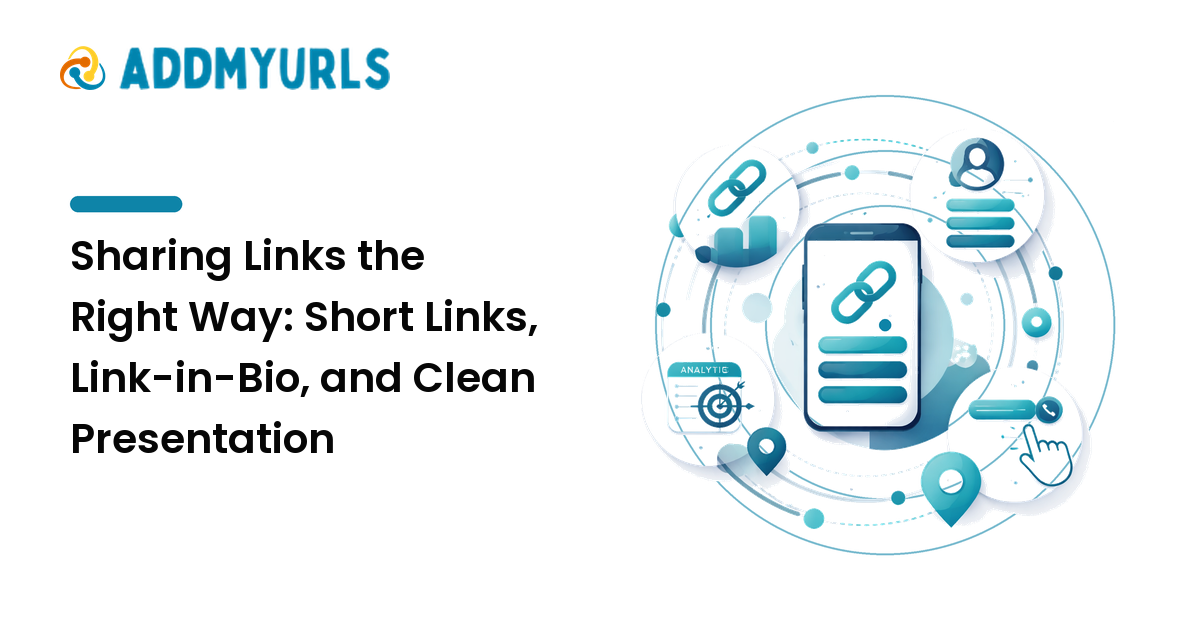
A link is only as good as the click it earns. You can have the perfect page to share, but if the URL is a 200-character tangle of tracking parameters, lands in the one spot social platforms won't make clickable, or looks untrustworthy, people scroll past. Sharing links well is a small skill that quietly affects how much of your work actually gets seen. This guide covers short links, link-in-bio pages, UTM tracking, and clean presentation — and when each is worth it.
The short version: shorten ugly URLs so they're tidy and clickable, use a link-in-bio page where you can only post one link, add UTM tags only when you'll actually read the data, and always check a link works before you send it.
Why presentation changes whether links get clicked
People judge a link in a second. A long, messy URL full of random characters looks like spam and hides where it goes. A short, readable one looks intentional and trustworthy. The destination hasn't changed — only the packaging — but the packaging is what determines whether someone clicks, especially from a stranger or a brand.
Good link presentation also makes you look organized, which matters when you're sharing on behalf of a business or building an audience.
Short links: when and why to use them
A short link redirects a tidy, custom URL to a longer destination. They're worth using when a link is:
- Long or ugly — full of parameters, session IDs, or deep paths that look untrustworthy.
- Going somewhere space is tight — printed materials, slides, video captions, or a spoken "go to" URL.
- Something you want to brand or remember — a custom short link (your own domain or a readable slug) looks more credible than a generic one.
A practical bonus: most short-link tools count clicks, so you learn whether a link is actually being used. Two cautions, in the spirit of being useful rather than clever: pick a tool you trust to stay online, because if it disappears every link you shared breaks; and never use shorteners to disguise where a link really goes — hiding the destination erodes the trust that makes people click in the first place.
Link-in-bio: solving the "one link" problem
Many social platforms let you post only a single clickable link, usually in your profile. A link-in-bio page solves that: one short URL opens a simple page listing all the links you want to share — your latest post, your shop, your newsletter, your other profiles.
Use one when you regularly need to point people to several destinations from a profile that allows only one. Keep the page focused: a handful of clearly labeled links beats a wall of twenty. Put the most important one first, since that's what most people tap, and revisit it when your priorities change so it never points at something stale.
UTM tracking: only if you'll use the data
UTM tags are small labels added to the end of a URL (things like utm_source and utm_campaign) that tell your analytics where a visitor came from. They're genuinely useful when you're running campaigns across several channels and want to know which one drove results.
But they make a URL longer and messier, so add them deliberately:
- Add UTMs when you'll actually open your analytics and act on which source performed.
- Skip them when you won't look — they just clutter the link for no payoff.
- Pair them with a short link. Tag the long URL with UTMs, then shorten it so what people see stays clean while your tracking still works.
- Stay consistent. Decide a naming convention (lowercase, same campaign names) so your reports don't fragment into near-duplicates.
The reason to be strict here is simple: tracking you don't read isn't data, it's noise that makes your links worse.
A clean link-sharing workflow
- Confirm the destination is correct and loads quickly, ideally on a phone.
- Tag it with UTMs only if you'll use the data, following your naming convention.
- Shorten it so the visible link is tidy and, where possible, branded.
- Present it with context — a line on what it is and why to click, not a bare URL dropped with no explanation.
- Route many links through a link-in-bio page when the platform allows only one.
- Test the final link yourself before sharing it widely.
This pairs directly with keeping your collection in order; for the storing-and-finding side of the same habit, see our practical guide to link management.
How to present links across different places
- Social posts and profiles — short, branded links; a link-in-bio for the rest. Some platforms penalize or down-rank raw links, so a clean short link helps.
- Messages and email — a short link plus a sentence of context reads as trustworthy, not spammy.
- Slides, video, and print — short, memorable links people can type; long URLs are useless here.
- Documents and articles — descriptive anchor text ("our pricing page") instead of a pasted URL.
FAQ
Are short links bad for SEO?
Used normally, no. A standard short link uses a redirect that passes visitors (and crawlers) to the destination. Just avoid disguising spammy or misleading destinations, which is what hurts trust.
What should go on my link-in-bio page?
The few links you most want people to reach — latest content, shop, newsletter, key profiles — with clear labels and the most important one first. Keep it short so choices are easy.
Do I need UTM tracking?
Only if you'll read the data and act on it. UTMs are valuable for multi-channel campaigns and pointless clutter if you never open your analytics.
Will a short link still work years later?
Only if the service stays online. Choose an established tool, and for anything important consider a short link on your own domain so you keep control of the redirect.
What's the most common link-sharing mistake?
Sharing a link without checking it — broken or wrong-destination links cost clicks and credibility. Always open the final link yourself first.
Next step
Choose one short-link tool you trust, set up a single link-in-bio page for the profiles that allow only one link, and decide a simple UTM naming convention for campaigns you'll actually measure. Then make checking the final link your last step every time you share.